Managing Builds
The Available Builds list shows every build BuildBridge knows about for the selected project.
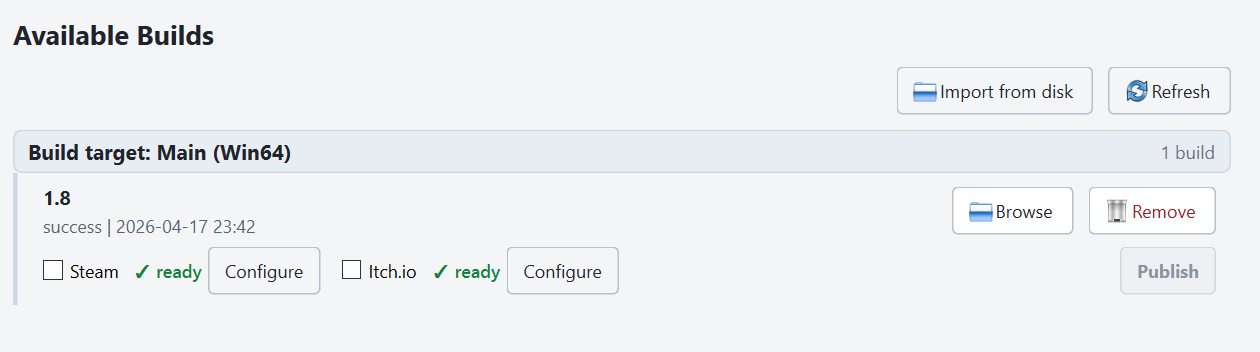
- Browse opens the build’s output folder on disk.
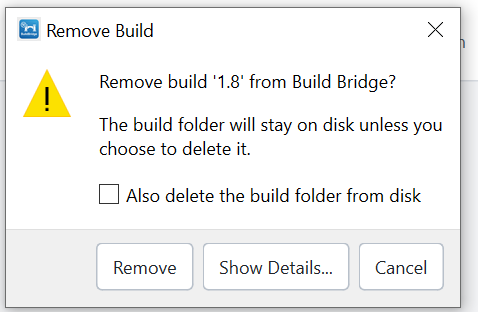
- Remove deletes the build entry from the list. You’ll be asked whether to also delete the files on disk.
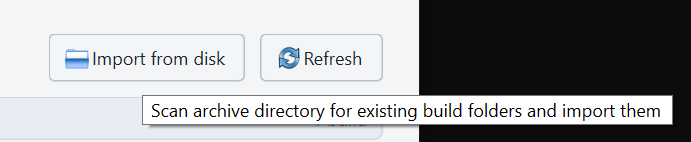
- Import from disk (toolbar button above the build list) scans your project’s archive directory for folders that look like builds and adds them to the list. Handy if you have builds from before BuildBridge started tracking them, or if you cleared the database.
- Running a new build with a version name that already exists will offer to overwrite the previous folder.